
How to Check Valid Turnover at FASTPERYA: A Clear Guide for Players
Leave Comment/ By I /June 16, 2026
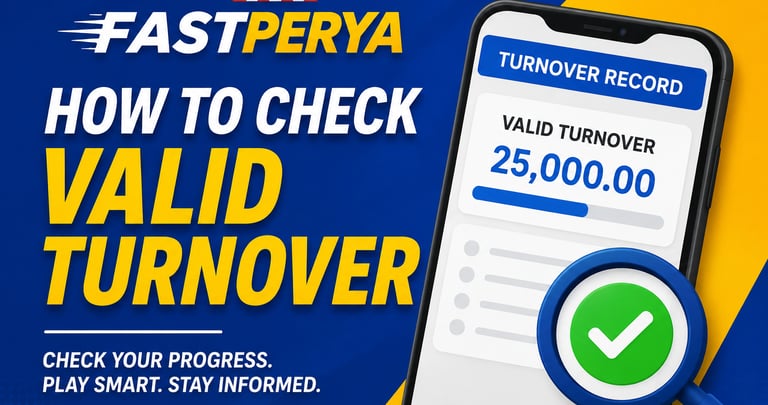
To start, log in to your FASTPERYA account using the official website. Once inside your dashboard, look for sections such as wallet, transaction history, betting record, turnover record, or promotion progress. These areas may show how much valid turnover you have already completed.
Valid turnover is often connected to bonuses, promotions, or cashout requirements. This means not every game or bet may count the same, so players should always read the promo rules before joining any offer. At FASTPERYA, checking these details can help you avoid confusion and better understand what still needs to be completed.
If you cannot find your turnover record or you are unsure about the displayed amount, contact customer support for assistance. Provide your username and any related promo or transaction details so the team can check your account properly.
Keeping track of valid turnover at FASTPERYA helps players stay informed and manage their gameplay more responsibly. By reviewing your records, understanding the rules, and playing within your limits, you can enjoy a smoother and more confident online perya-style gaming experience.
Disclaimer
This content is for informational and promotional purposes only. FASTPERYA is intended for players aged 21 years old and above. Online gaming involves risk and should be enjoyed responsibly. Always play within your limits and never treat gaming as a guaranteed source of income.
Get in touch
ALL RIGHTS RESERVED 2026


Let's Talk
info@fastperya.com.ph